> ## Documentation Index
> Fetch the complete documentation index at: https://trigger-docs-max-duration.mintlify.site/llms.txt
> Use this file to discover all available pages before exploring further.
# Replaying
> A replay is a copy of a run with the same payload but against the latest version in that environment. This is useful if something went wrong and you want to try again with the latest version of your code.
### Replaying from the UI
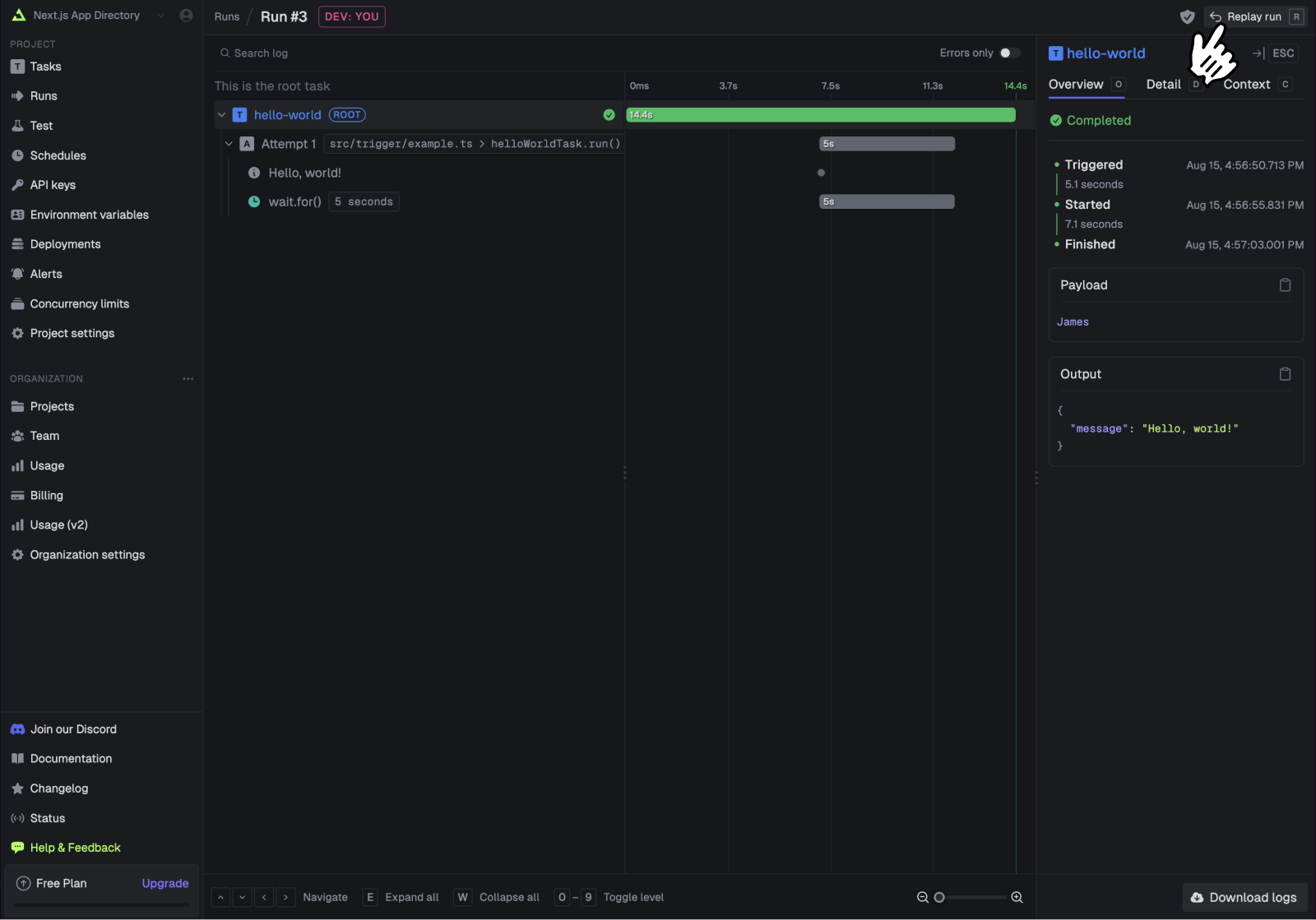
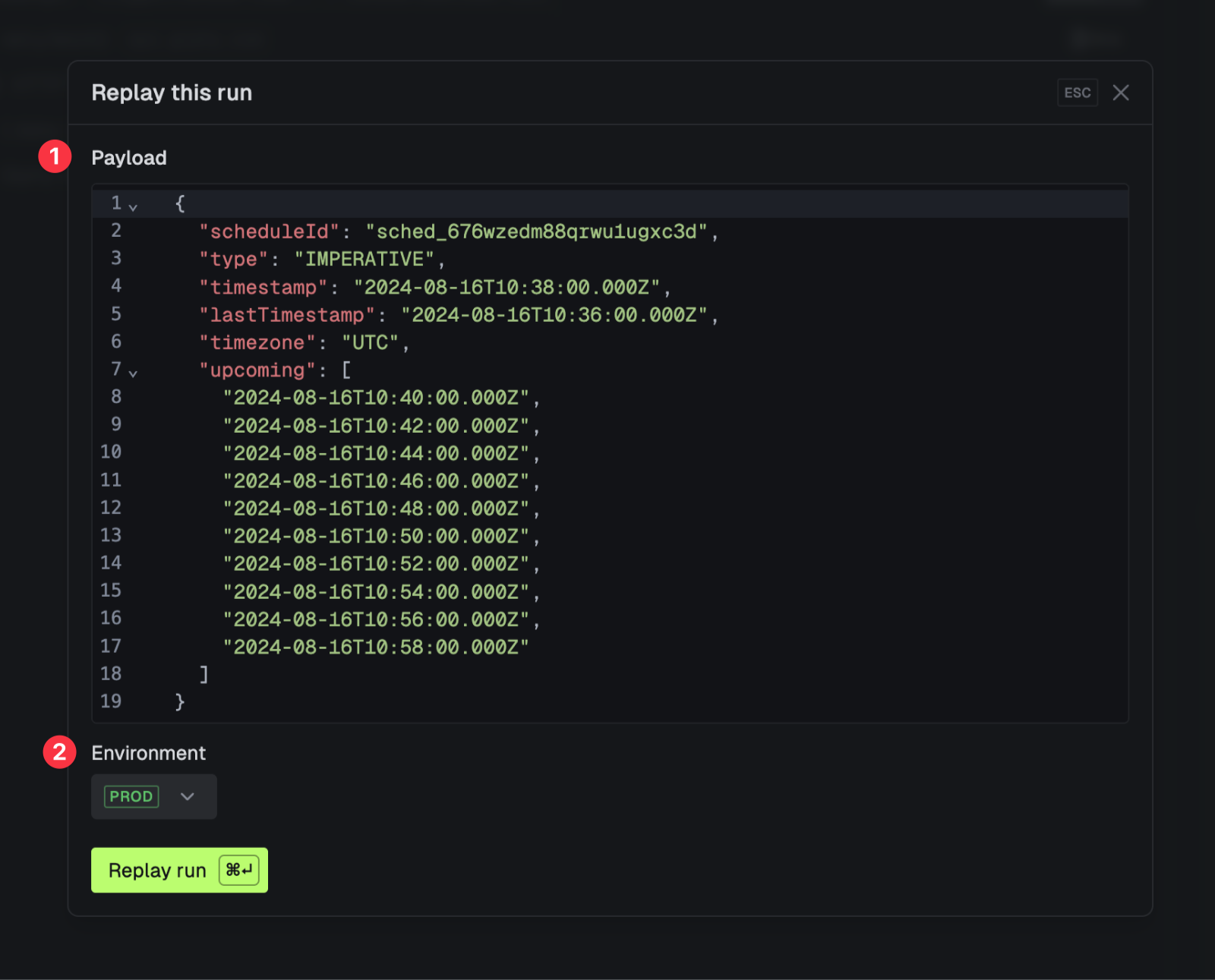
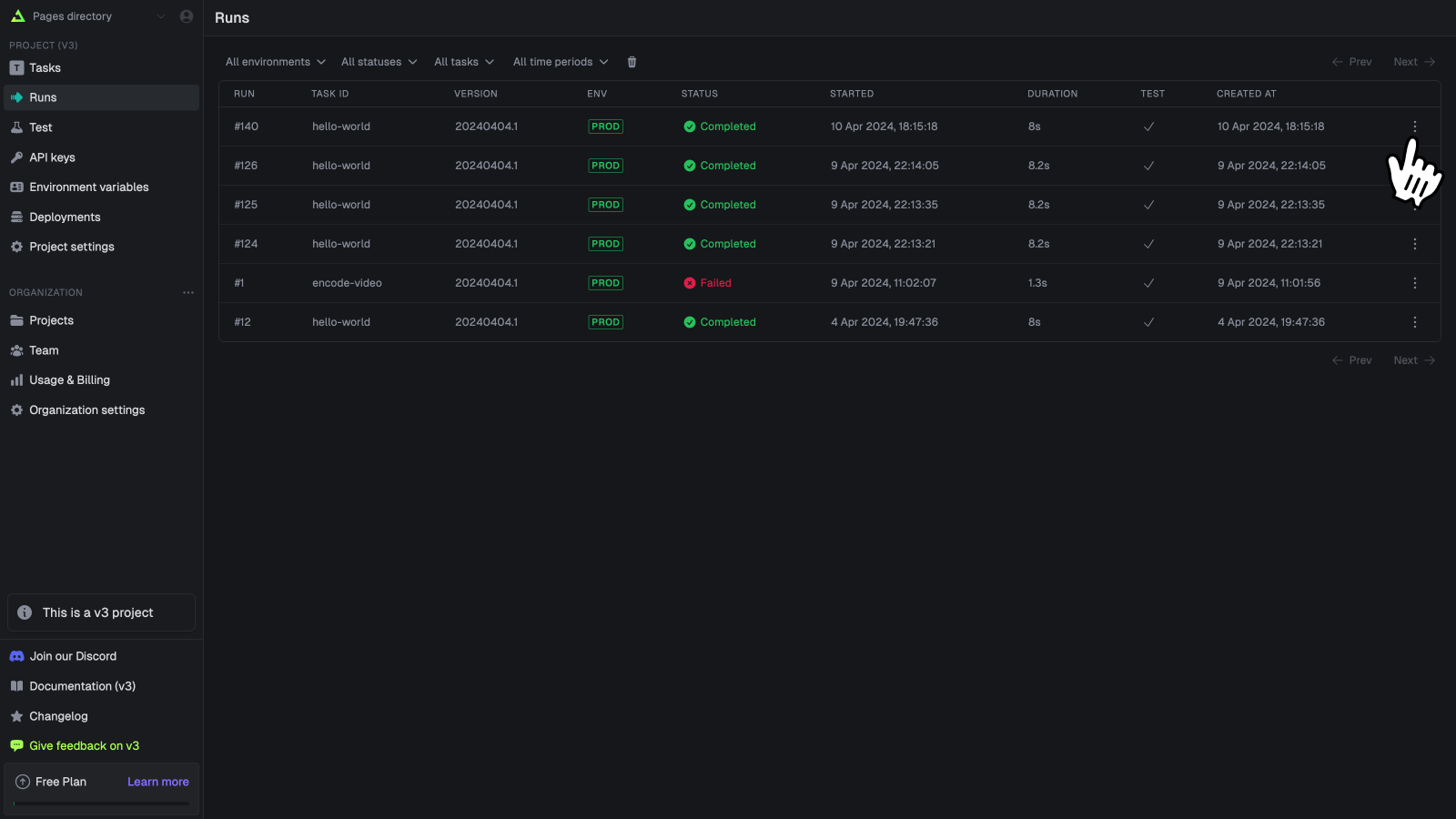
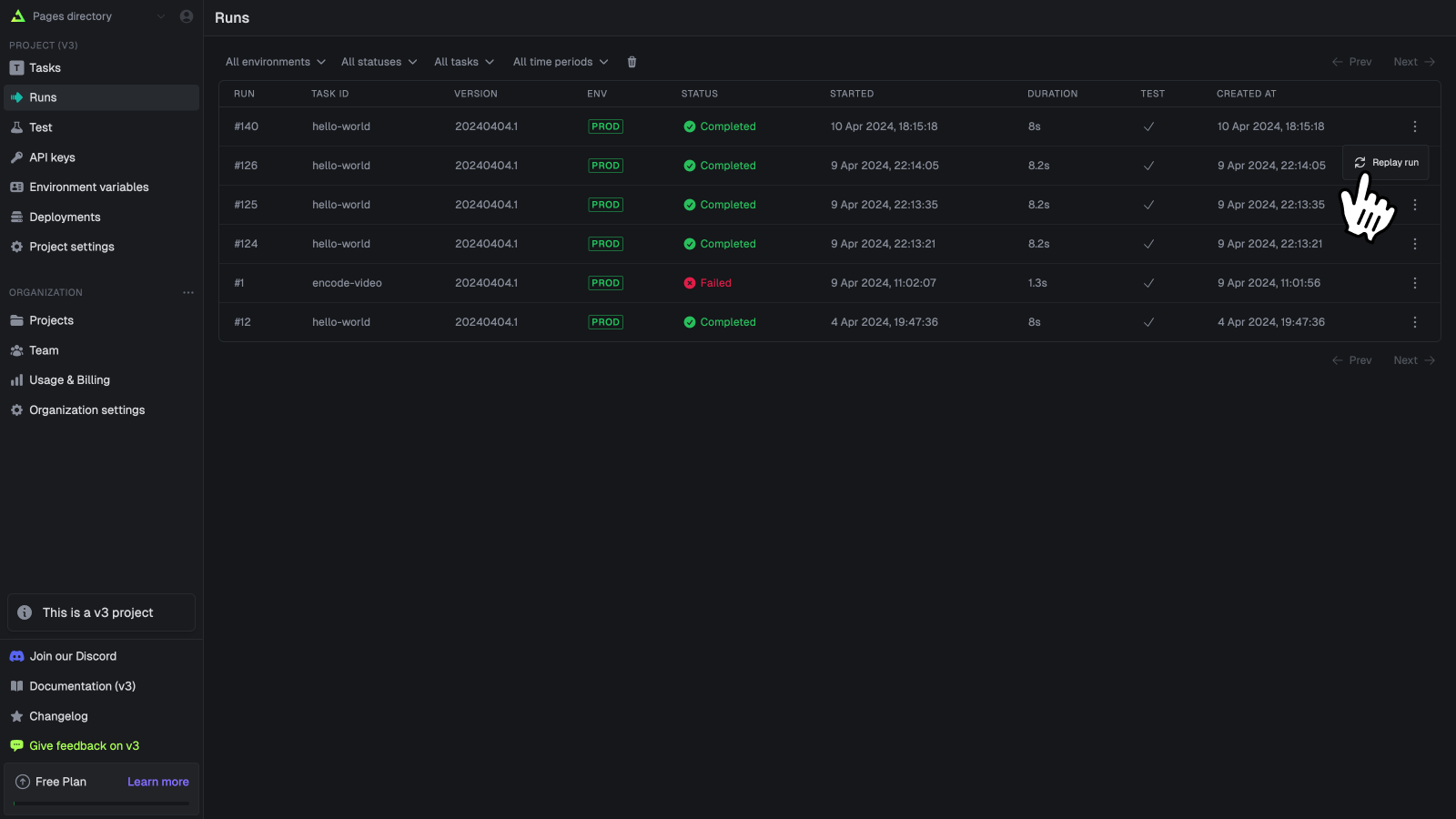
You can edit the payload (if available) and choose the environment to replay the run in.
### Replaying using the SDK
You can replay a run using the SDK:
```ts
const replayedRun = await runs.replay(run.id);
```
When you call `trigger()` or `batchTrigger()` on a task you receive back a run handle which has an `id` property. You can use that `id` to replay the run.
You can also access the run id from inside a run. You could write this to your database and then replay it later.
```ts
export const simpleChildTask = task({
id: "simple-child-task",
run: async (payload, { ctx }) => {
// the run ID (and other useful info) is in ctx
const runId = ctx.run.id;
},
});
```
### Bulk replaying
You can replay multiple runs at once by selecting them from the table on the Runs page using the checkbox on the left hand side of the row. Then click the "Replay runs" button from the bulk action bar that appears at the bottom of the screen.
This is especially useful if you have lots of failed runs and want to run them all again. To do this, first filter the runs by the status you want, then select all the runs you want to replay and click the "Replay runs" button from the bulk action bar at the bottom of the page.